Speed Unlock Controller for Xiaomi 4 Lite (2nd Gen) | Plug & Play
-
Estimated Delivery:Aug 04 - Aug 08
-
Free Shipping & Returns: On all orders over $80

Speed Unlock Controller for Xiaomi 4 Lite (2nd Gen) | Plug & Play
WHY UPGRADE?
- Unlock speed up to 55km/h
- Self-learning motor for smoother ride
- Dual speed mode for more control
- Stable performance & durable build
EASY INSTALL
1. Disconnect
Original Controller
2. Connect
New Controller
3. Power On
Scooter
4. Ready to Ride
Enjoy Speed!
WHAT’S INCLUDED
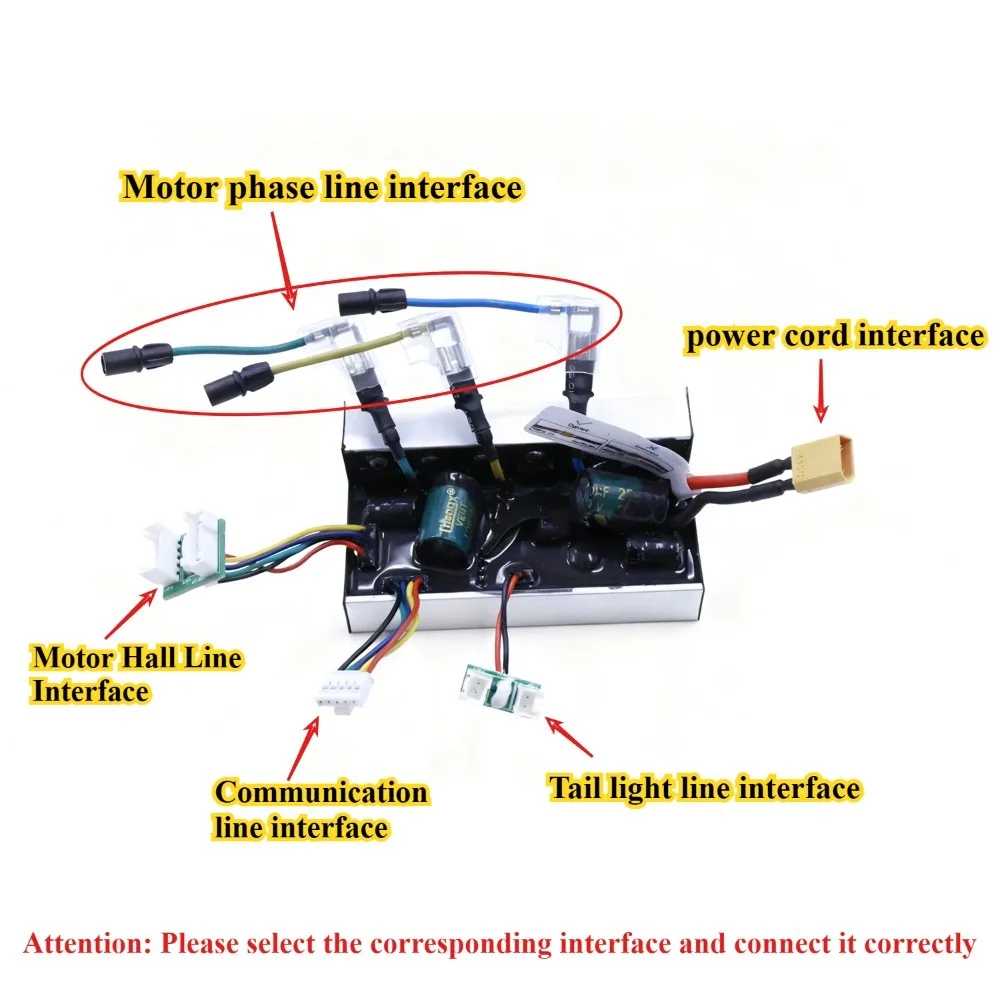
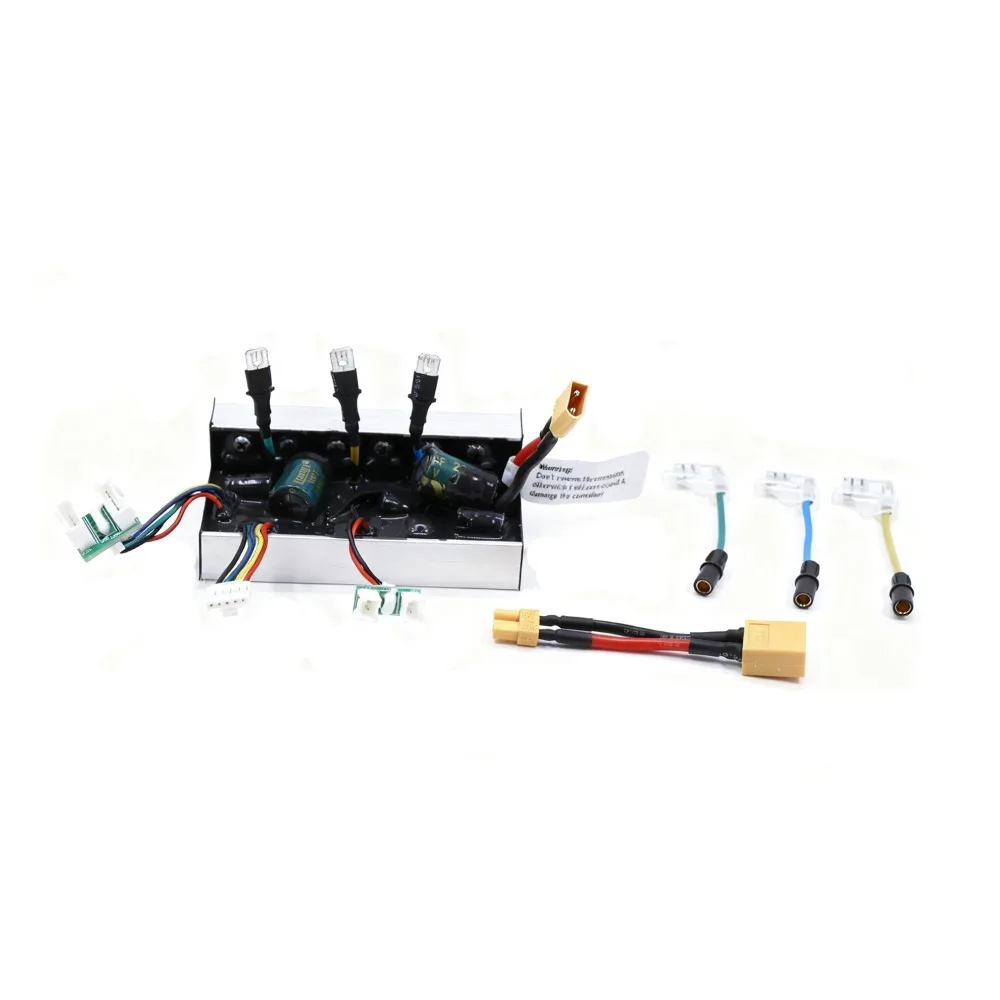
- 1 x Controller
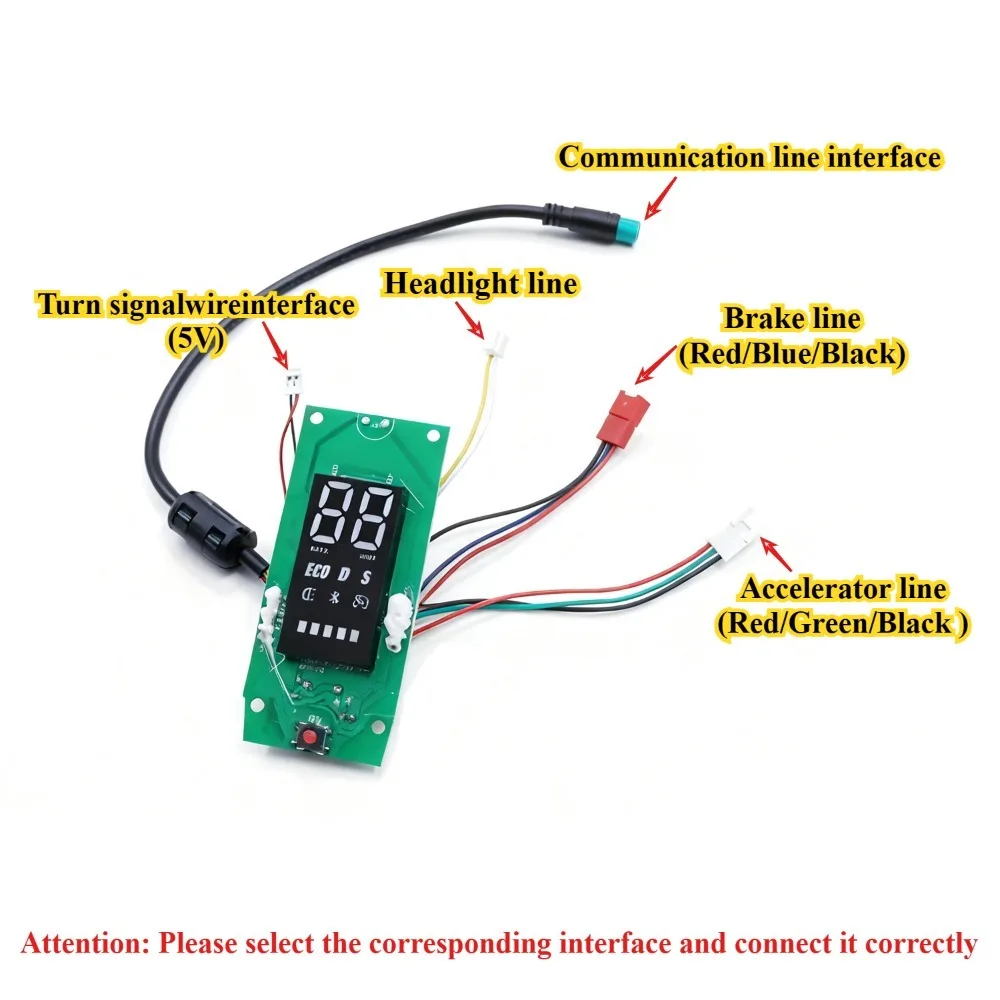
- 1 x Display
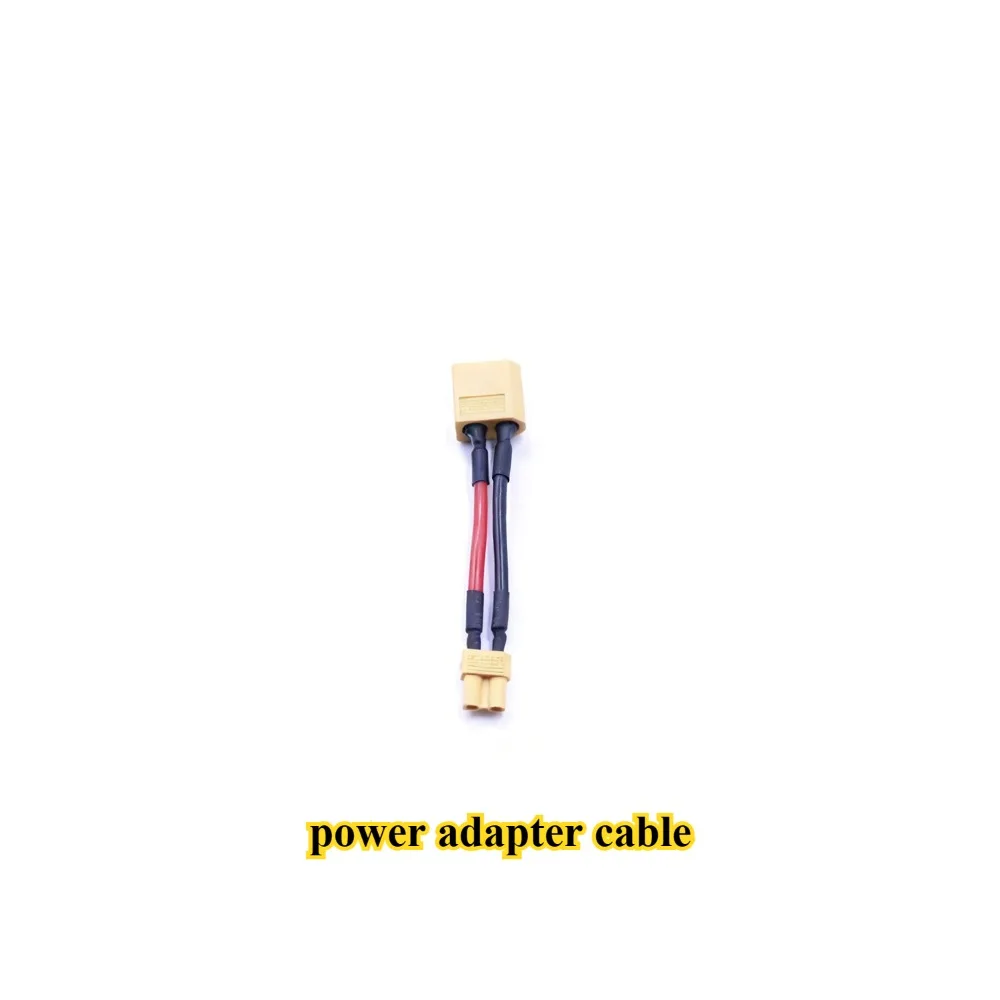
- 1 x Cable Set
-
High Performance Upgrade: Designed for 52V (13S) battery systems, offering superior power and efficiency.
-
Dual Speed Modes: Easily switch between Street Mode (25km/h limit) and Off-Road Mode (up to 55km/h) via App or button combination.
-
Smart App Control: Customize speed limits, enable cruise control, and monitor vehicle status directly from your smartphone.
-
Intelligent Self-Learning: Automatic motor phase matching ensures smooth operation and easy installation (80s setup).
-
Clear LCD Dashboard: Real-time display of speed, gear, and precise battery voltage monitoring.
User Manual & Operation Guide
1. Intelligent Self-Learning (First Time Setup)
-
Step 1: With the scooter powered OFF, press and hold the Power Button for 10 seconds.
-
Step 2: In the first second, you will hear a "Beep" and the screen will light up. Keep holding.
-
Step 3: When you hear 3 short beeps ("Beep, Beep, Beep"), the self-learning process starts.
-
Step 4: Wait for approximately 80 seconds. The system will beep 3 times again to indicate self-learning is complete.
2. Speed Modes & Gear Switching
-
Switch Gears: Quickly double-click the Power Button to cycle through Gear 1, 2, and 3. (A beep confirms the switch).
-
Speed Limits (Configurable via App):
-
Limited Mode (Street Legal):
-
Gear 1: 6 km/h
-
Gear 2: 15 km/h
-
Gear 3: 20-28 km/h (Adjustable in App: 20/22/25/28 km/h)
-
-
Unlimited Mode (Off-Road/Sport):
-
Gear 1: 6 km/h
-
Gear 2: 15 km/h
-
Gear 3: 40-55 km/h (Max speed depends on motor/load)
-
-
3. How to Unlock/Lock Speed Limit (Manual Method)
-
Unlock Speed (Limit -> Unlimited): Hold the Brake Lever + Press Power Button (Long press, short press, or multiple clicks all work) -> Then release the Brake.
-
Lock Speed (Unlimited -> Limit): Repeat the same action: Hold Brake + Press Power Button -> Release Brake.
4. Cruise Control
-
Enable: Turn on "Cruise Control" in the Mobile App. Maintain a steady speed for 10 seconds to activate.
-
Disable:
-
Method 1: Twist the throttle and release.
-
Method 2: Press the brake lever.
-
5. Battery Voltage & Indicator (For 13S 52V Battery) Precise battery monitoring with 5-bar LED display:
-
52.4V - 54.6V: 5 Bars (80% - 100%)
-
50.3V - 52.4V: 4 Bars (60% - 80%)
-
48.0V - 50.3V: 3 Bars (40% - 60%)
-
45.8V - 48.0V: 2 Bars (20% - 40%)
-
43.5V - 45.8V: 1 Bar (0% - 20%)
-
39.9V - 43.5V: Red Light Flashing (Low Voltage Warning)